Automatic Session Billing
The timer bills as it runs. Pre-paid or post-paid, per minute or per hour — no manual maths at the counter.

Manage PC and PS5 session billing, itemised invoices and customer bill sharing from one dashboard. Start with the free plan and choose the setup that fits your cafe.
No credit card required · Setup in minutes
A clear counter workflow, from the gaming session to the customer's invoice.
Choose the PC or PS5 station and record the session. Keep the play time linked to the station.
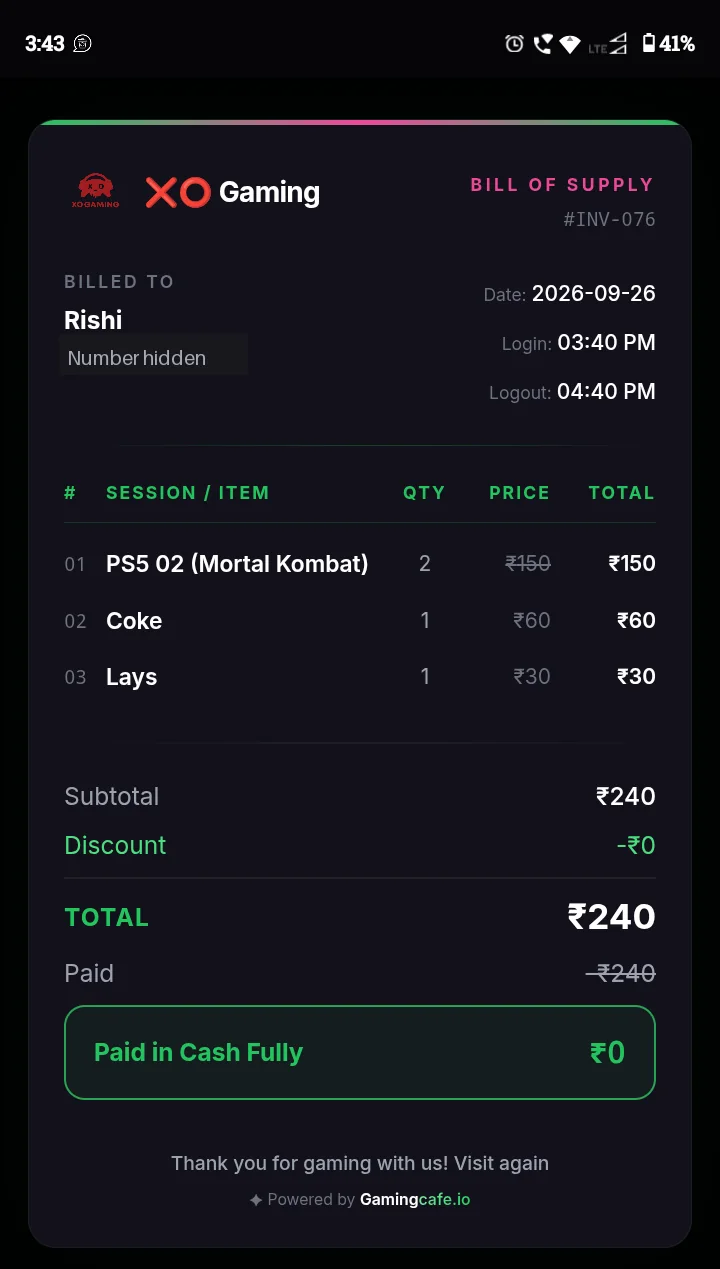
Check the session charges and any snacks or discounts before settling the bill. Use an itemised invoice so the total is easy to understand.
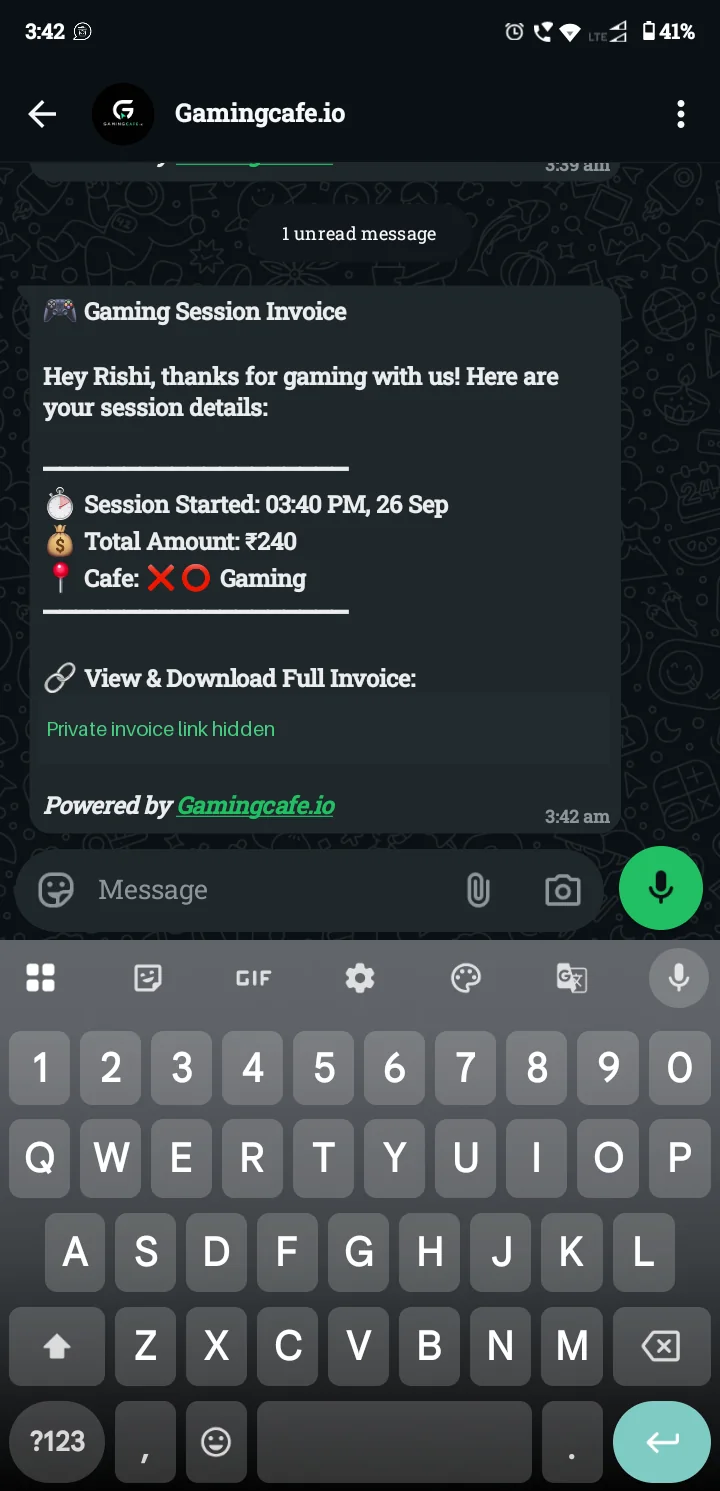
Record how the customer paid, then share the invoice. Starter includes a manual WhatsApp share link; Pro Cafe supports automated messages.
Existing app examples with the customer phone number and private invoice link hidden. The invoice below is a Bill of Supply example, not a GST tax invoice.
Planning a new venue? Read the gaming cafe startup guide, check hourly pricing or browse the Blog.
The timer bills as it runs. Pre-paid or post-paid, per minute or per hour — no manual maths at the counter.
Your GSTIN, tax split and invoice numbering handled for you, so filing month-end takes minutes.
Settle any bill across payment modes, split between friends, or hold it on a customer wallet.
Discount slots, combo deals and prepaid packages apply themselves at checkout.
Send the bill to the customer's WhatsApp instead of a paper receipt they'll throw away.
Every discount, refund and void is stamped with the staff member who made it.
Yes. Every session, snack or membership bill can be issued as a GST invoice with your GSTIN, HSN/SAC codes and tax split, ready for your accountant.
Yes. Split a single bill across UPI, cash and card, or settle it in one tap. Refunds and voids are logged with the staff member who made them.
Yes. Session timers calculate the amount live, apply happy-hour and package rates automatically, and stop billing the moment the station is released.
Yes. Session summaries and GST invoices can be sent straight to the customer's WhatsApp instead of printing paper receipts.
Yes. Starter is free for up to 5 stations with no credit card. Pro supports up to 30 stations. There are no per-station charges within each plan.
Planning a new cafe? Read our owner guides, try the profit calculator or browse the blog.
Join hundreds of gaming cafes already using GamingCafe.io.
Start Free Now